Onboarding and setup for a smart-energy app, across five user roles
Armada Power is a cross-platform app that lets residents, utility-program participants and installers onboard, monitor and control connected energy devices.
Overview
Armada's energy tools were built for desktop dashboards...
Armada Power provides solutions that help organizations monitor and manage energy systems through connected infrastructure and real-time data. The existing monitoring tools were built for desktop and technical environments.
...but residents, utility participants and installers needed them on a phone.
The goal was a mobile product that made distributed energy infrastructure understandable and controllable from a phone: high-level visibility into system conditions, fast response to critical events, and an onboarding flow that worked across very different types of users and homes.
My role
I came onto Armada with no defined product, so my role was to create the structure.
I designed the product and acted as its de facto product owner. There were no documented flows, no edge-case logic and no agreed decisions, so I facilitated decisions with stakeholders, documented what was agreed, and kept engineering and design pointed at the same source of truth.
- Mapped the product. A 34-screen onboarding and setup architecture across all five user roles, with the edge-case logic for each path.
- Set one source of truth. A single Figma master file for design and engineering.
- Turned conversations into a plan. PRDs, meeting notes and stakeholder conversations became a documented roadmap and feature scope.
- Ran the decisions. DesignOps decision sessions to lock the product direction, then I designed against it.
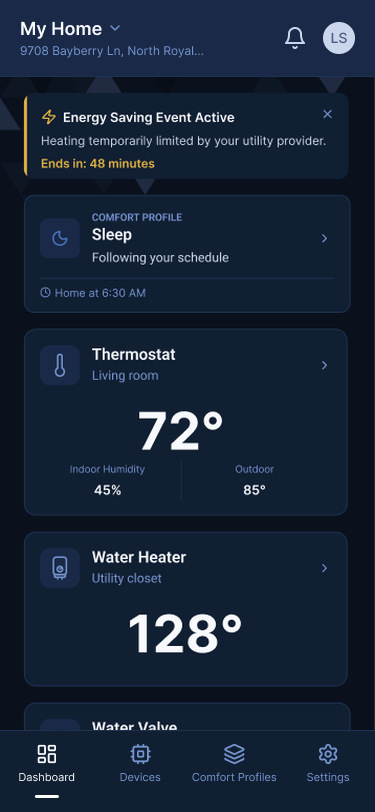
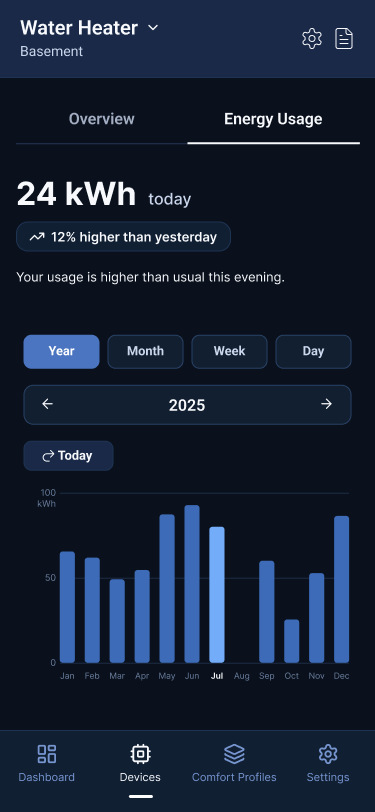
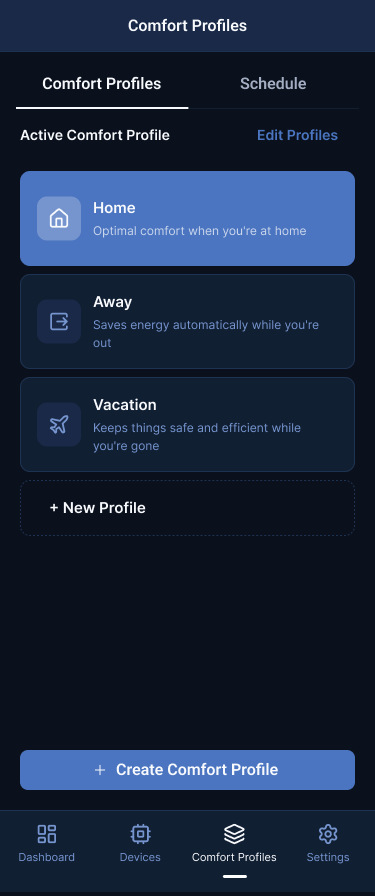
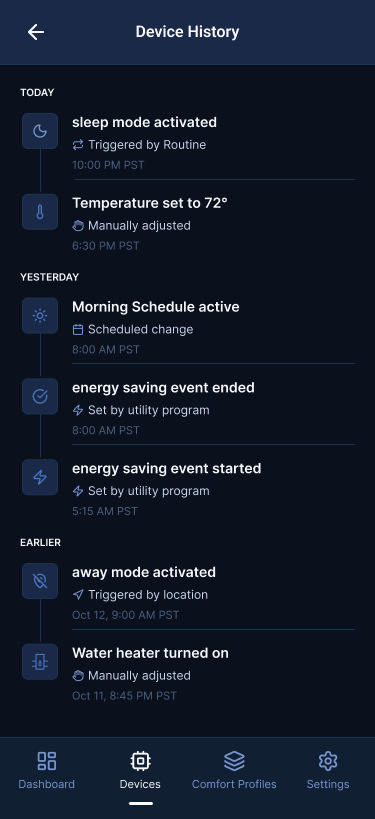
- Designed the role-based experiences. Device commissioning, real-time monitoring, energy analytics, alerts and location-based automation, for a cross-platform React Native app.
- Single Family
- Multifamily resident
- Fleet Commander
- Utility participant
- Installer
Setup
Many apartment residents picked the wrong setup path.
Originally, the flow asked users to identify their home type before setup. Many apartment residents incorrectly chose the homeowner path, which caused setup failures and generated support tickets.
Let the system do the work.
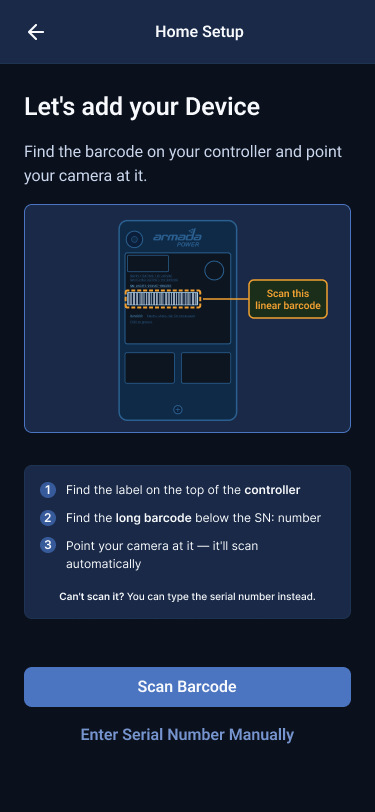
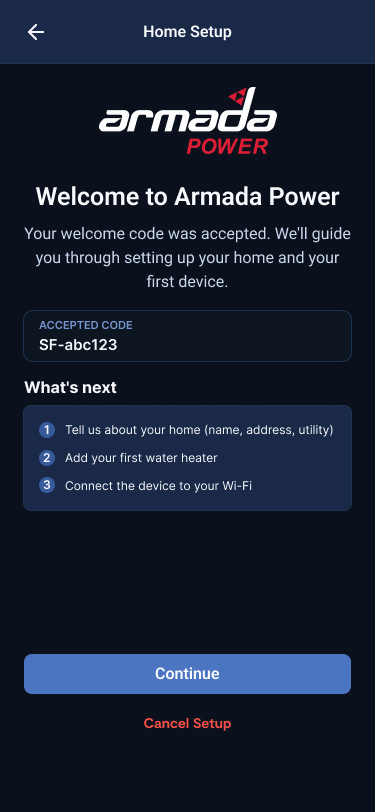
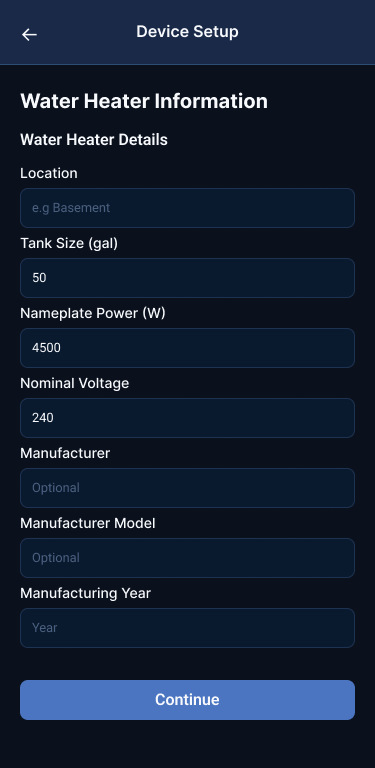
I redesigned the flow around one principle. Device codes determine the configuration automatically, so the user never has to understand technical installation details, and the same flow serves both homeowners and apartment residents without forcing a choice that produced errors.
Decisions
Key product decisions
Decision 1
A path decided by the system
Instead of asking homeowners and renters to choose their own path, I decided to let device codes decide the setup path.
Decision 2
Fleet Commander access, invisibly
Instead of giving Fleet Commanders a separate login, I decided to route their access through the normal home setup, with a QR scan.
Decision 3
Home first
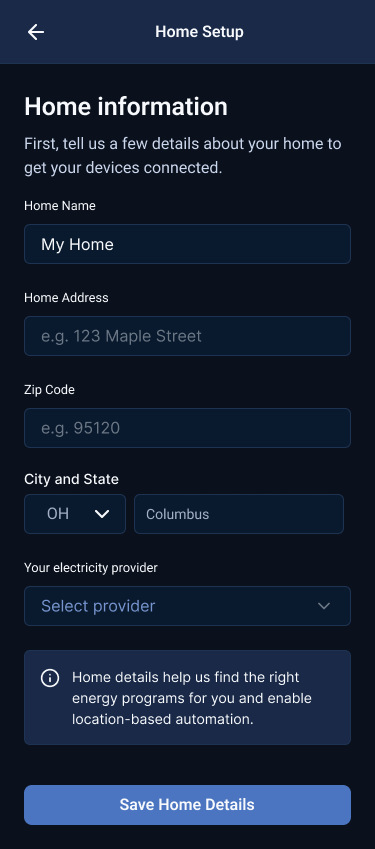
I decided to place home setup before device configuration.
Handoff
I modernized handoff with an AI-augmented workflow.
Using Claude Code and the Figma MCP integration, I built a new design-token and variables library directly in the master file, applied those tokens across the redesigned screens, and cleaned up legacy variables. That made handoff faster and more consistent, and kept the design tokens aligned with their coded equivalents.
The same workflow generated screen-prompt briefs and copy drafts in a single pass, tightening the loop between design, UX writing and engineering. I also vibe-coded the front-end design as a deliverable and a high-fidelity prototype, using Claude Code.
Outcome
The wrong-path failure is gone, and the product has a base to grow.
- The redesign removed the wrong-path failure that had been driving setup errors and support tickets, fixing the problem at its root rather than patching it.
- The modular architecture gives Armada a scalable base for adding new devices and user types as the product grows.
- I put Microsoft Clarity in place, so the next decisions start from real user data.
- The team has documented product decisions, a clear roadmap and a single source of truth that keeps design and engineering aligned.
Reflection
I gave the product its structure, then designed inside it.
The project left the team with something it did not have before: decisions written down, a roadmap, and one place where design and engineering agree.